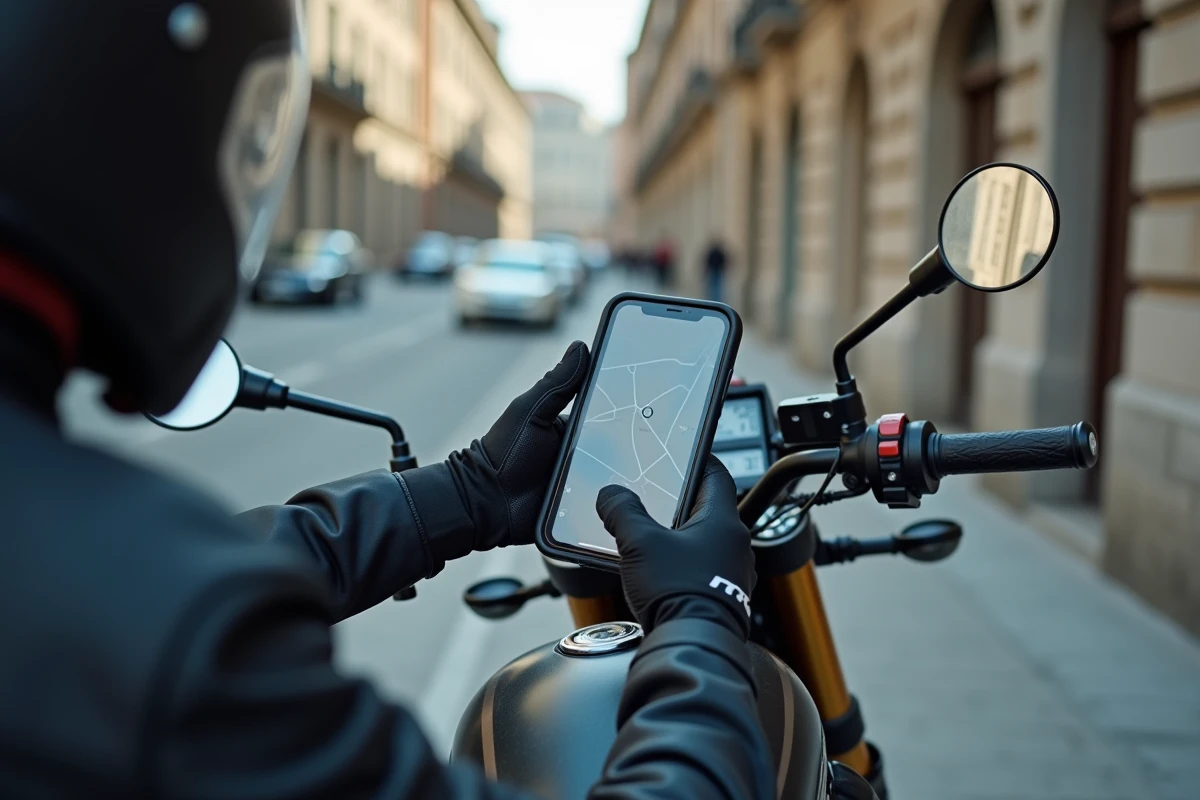
Waze offers a motorcycle vehicle profile that modifies route calculations based on the specifics of a two-wheeler. This setting adjusts estimated travel times and can direct users to narrow streets inaccessible to cars. The option has been available for several years, but its location in the menus has evolved over various updates.
Waze Vehicle Profile: What the motorcycle mode changes in route calculation
When Waze is set to the default vehicle type (private vehicle), the algorithm calculates routes as if for a standard car. Duration estimates, lane suggestions, and traffic restrictions rely on a car template.
By selecting the motorcycle profile, the app adjusts several navigation parameters. The suggested routes may include narrower passages. The learning of speed habits is separate from the car profile, which refines estimates over time.
A point often misunderstood: Waze does not become a dedicated motorcycle GPS with this setting. There is no offline mapping, no advanced management of winding roads, and no fine consideration of all limitations specific to two-wheelers. The motorcycle profile remains a route and travel preference adjustment, not a complete overhaul of navigation.
For those who want to understand in detail how the motorcycle mode on Waze works, the activation procedure has slightly changed with recent versions of the app.
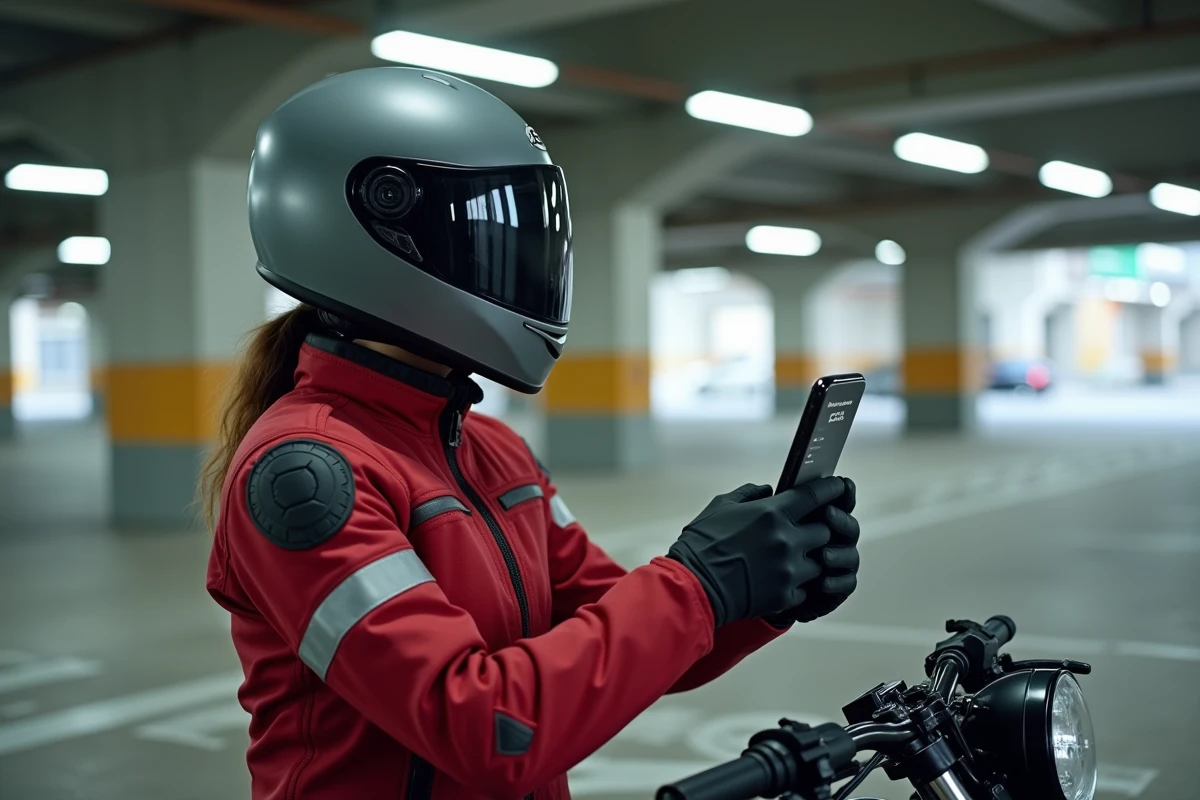
Activating motorcycle mode in Waze settings: procedure on Android and iOS
Activation goes through the vehicle profile menu. The access path is identical on Android and iOS, with some interface variations.
Steps to activate the motorcycle vehicle type
- Open Waze and tap on the “My Waze” icon (at the bottom left on most versions), then on the gear icon to access settings
- In the settings, tap on “Navigation” to display the settings related to route calculation
- Look for the “Vehicle Type” option (sometimes grouped in a “Vehicle Profile” submenu depending on the app version)
- Select “Motorcycle” from the list provided, which generally includes private vehicle, motorcycle, taxi, and a few other categories
The change takes effect immediately. There is no need to restart the app. The next calculated route will use the motorcycle profile.
Check that the mode is active
After selection, return to the same menu to confirm that “Motorcycle” is checked. On some versions, the vehicle icon on the map changes to reflect the selected type. If the icon remains a car, the setting has not been saved: repeat the process.
Multi-vehicle management on Waze: switching between car and motorcycle
The main difficulty for users who own both a car and a motorcycle does not lie in the initial activation. It is in the frequent profile switching between two types of vehicles on the same account.
Waze does not offer a shortcut on the main screen to switch from one profile to another. Each change requires going through the complete path: settings, navigation, vehicle type. Discussions on the Google Waze community confirm that this lack of shortcut is the most frequent source of frustration among motorcyclists who also use the app in their cars.
Two habits can help limit forgetfulness:
- Get into the habit of checking the vehicle type before each trip, when starting navigation
- Mentally associate the action with the context: putting on gloves = check the motorcycle profile in Waze
- Monitor the icon on the map, which should correspond to the vehicle being used
Forgetting to switch back to car mode after a motorcycle trip skews duration estimates and may suggest routes unsuitable for a wider vehicle.
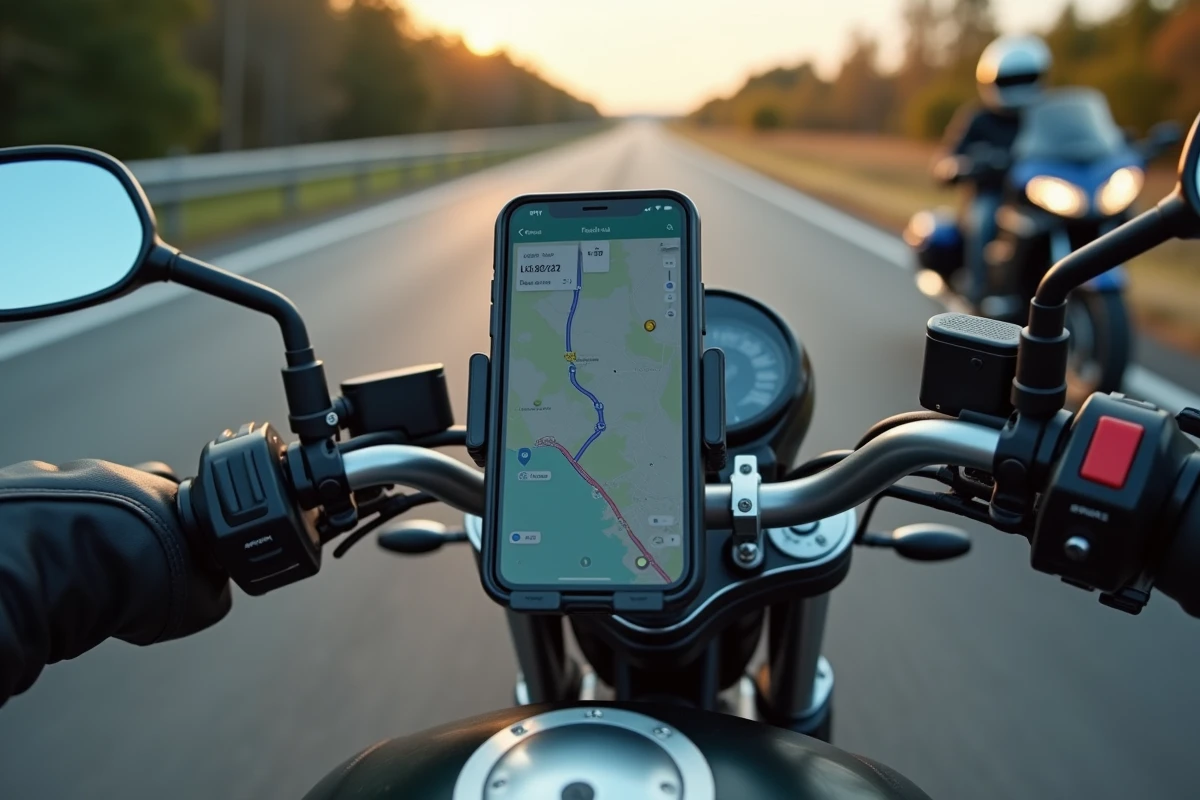
Limitations of Waze motorcycle mode compared to dedicated GPS applications
The Waze motorcycle profile adjusts route calculation, but the app remains designed for general automotive use. Some limitations deserve to be clearly stated.
Waze operates exclusively online. Without a network connection, there is no map, no guidance. Dedicated motorcycle GPS applications generally offer an offline mode with downloadable maps, a real advantage on routes in rural or mountainous areas where network coverage is spotty.
Real-time hazard reporting (speed traps, road obstacles, weather conditions) relies on the Waze community. This user base is massive, but reports mainly concern roads frequented by cars. On the small roads favored by motorcyclists, community alerts are less reliable.
Customization of the navigation voice, choice of road type (winding, fast, scenic), and planning road trips with multiple stops remain features absent from Waze. For daily use in urban or suburban areas, the Waze motorcycle mode covers basic navigation needs. For leisure outings on chosen routes, a specialized app better complements the trip.
The motorcycle mode on Waze fulfills its role for commuting and urban travel. Checking the vehicle profile before each departure remains the only real constraint, while waiting for Waze to simplify switching between profiles.